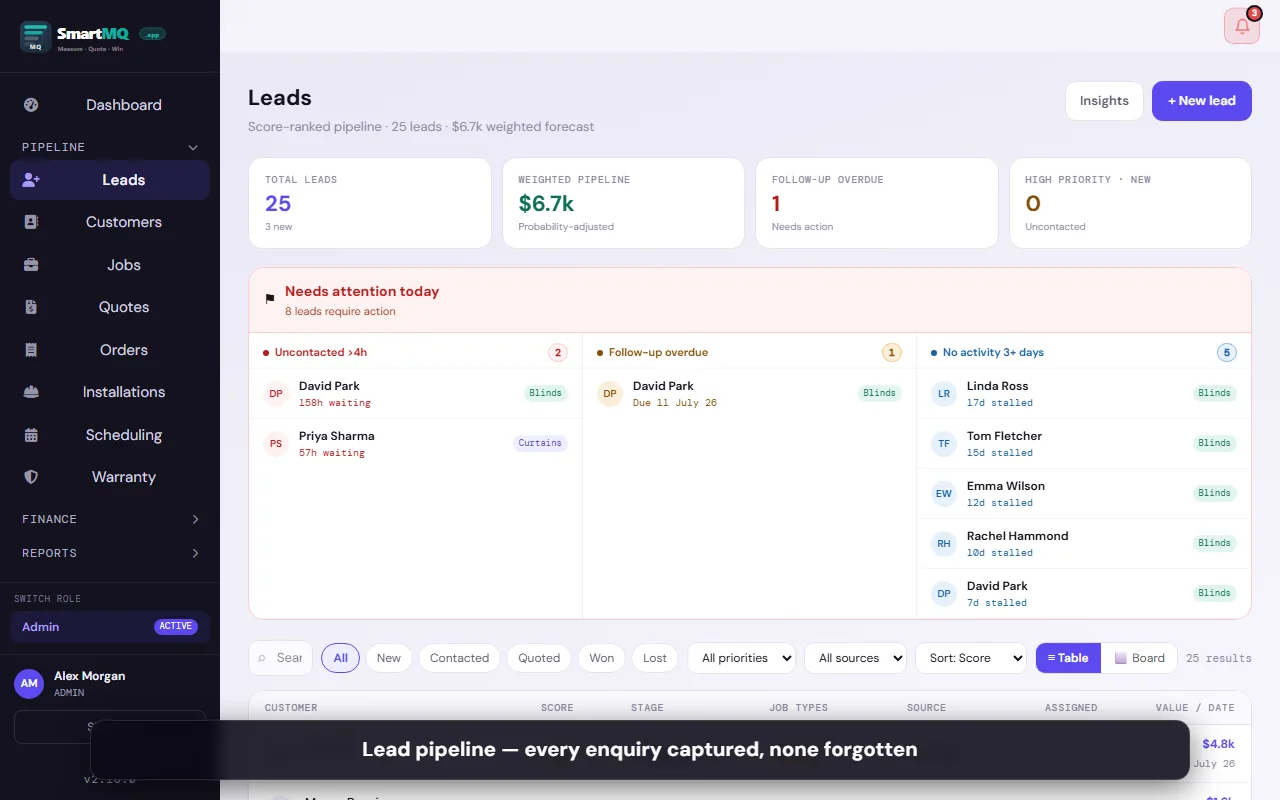
Lead Management
Every enquiry — phone, web form, walk-in — captured and tracked in one place. Set follow-up reminders, record notes, and move leads through your pipeline with a tap.
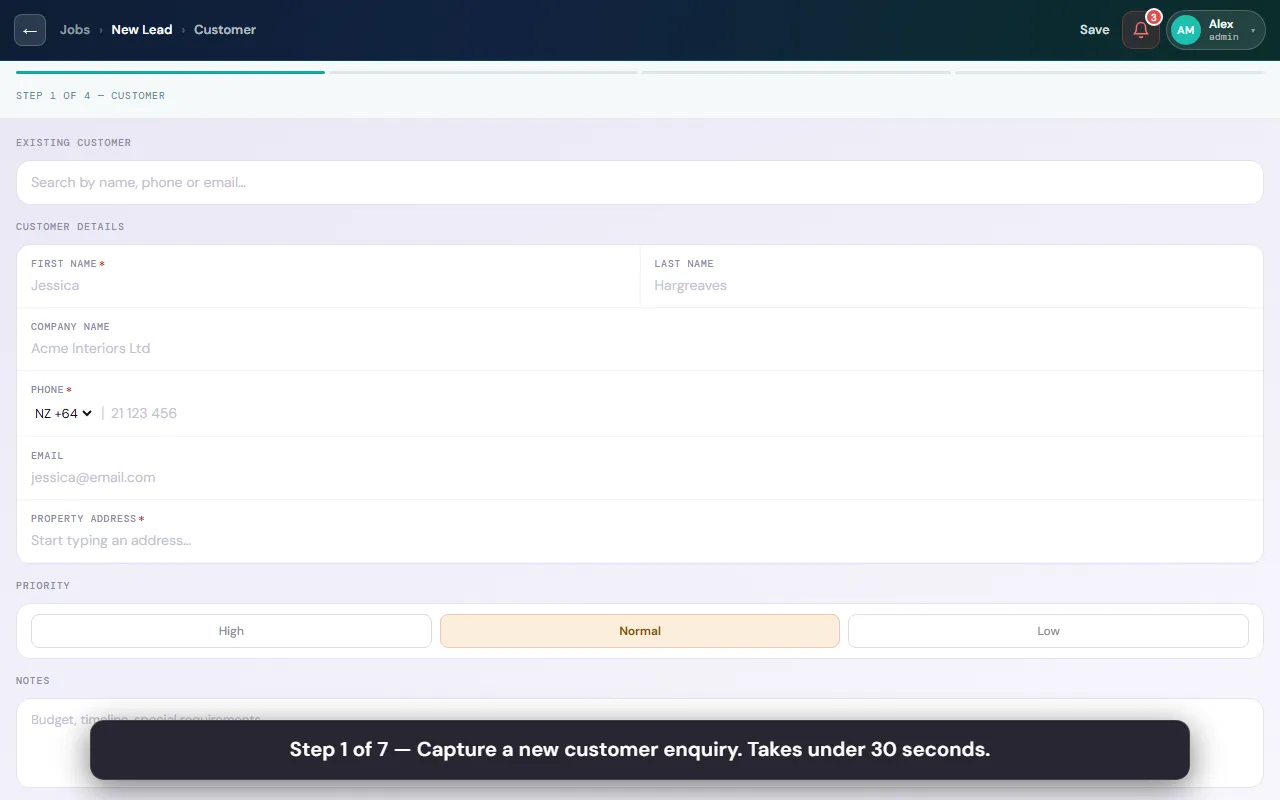
Log new leads instantly with name, address, contact details, and product interest.
Leads from your Facebook Lead Ad forms are automatically created as SmartMQ jobs — no manual copy-paste.
On-site Measuring
Digital measure sheets built specifically for blinds and curtains — room by room, window by window, with photos attached. Works with no internet signal.
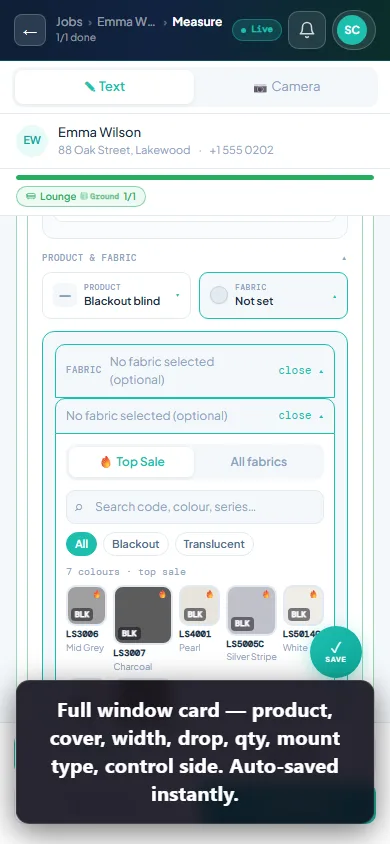
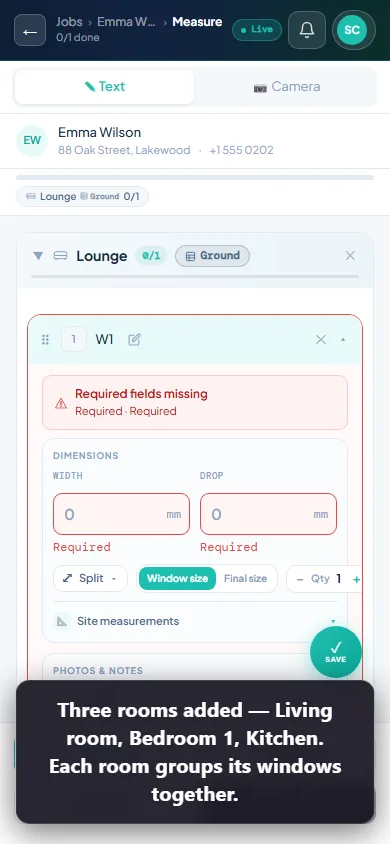
Add rooms, then windows within each room. Each window gets its own measure record.
Draw measurements and split lines directly on the photo — annotated image saved with the window record.
Measure sheets save locally first. Data syncs to the cloud the moment you get signal back.
Add roller blind, sheer curtain, and pelmet all on the same window record.
Set quantity or split a wide window into multiple panels with individual widths.
All measure records are saved forever — revisit a job from two years ago in seconds.
Export a formatted PDF of your measure sheet for records or supplier submission.
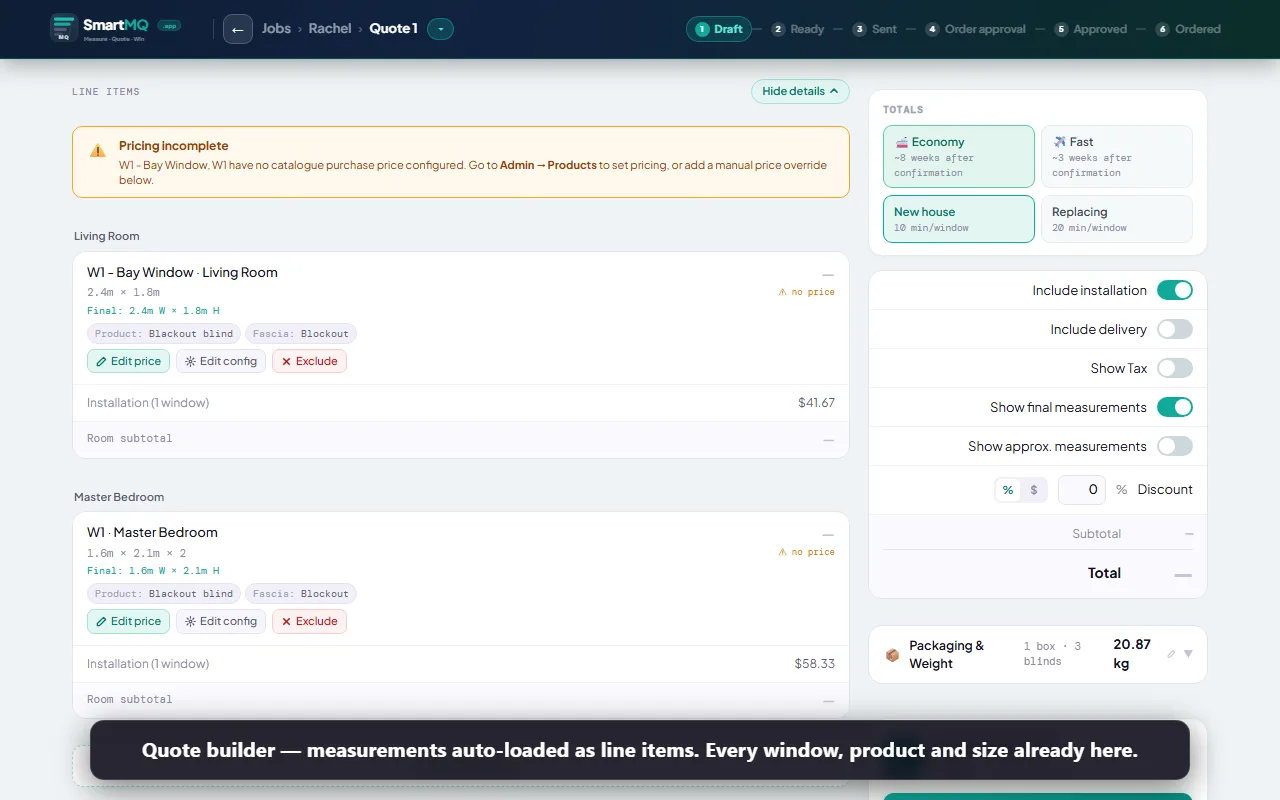
Quote Builder
Build quotes directly from your product catalogue and measure sheet data. Generate a branded PDF and send it to the client for approval — all without leaving the app.
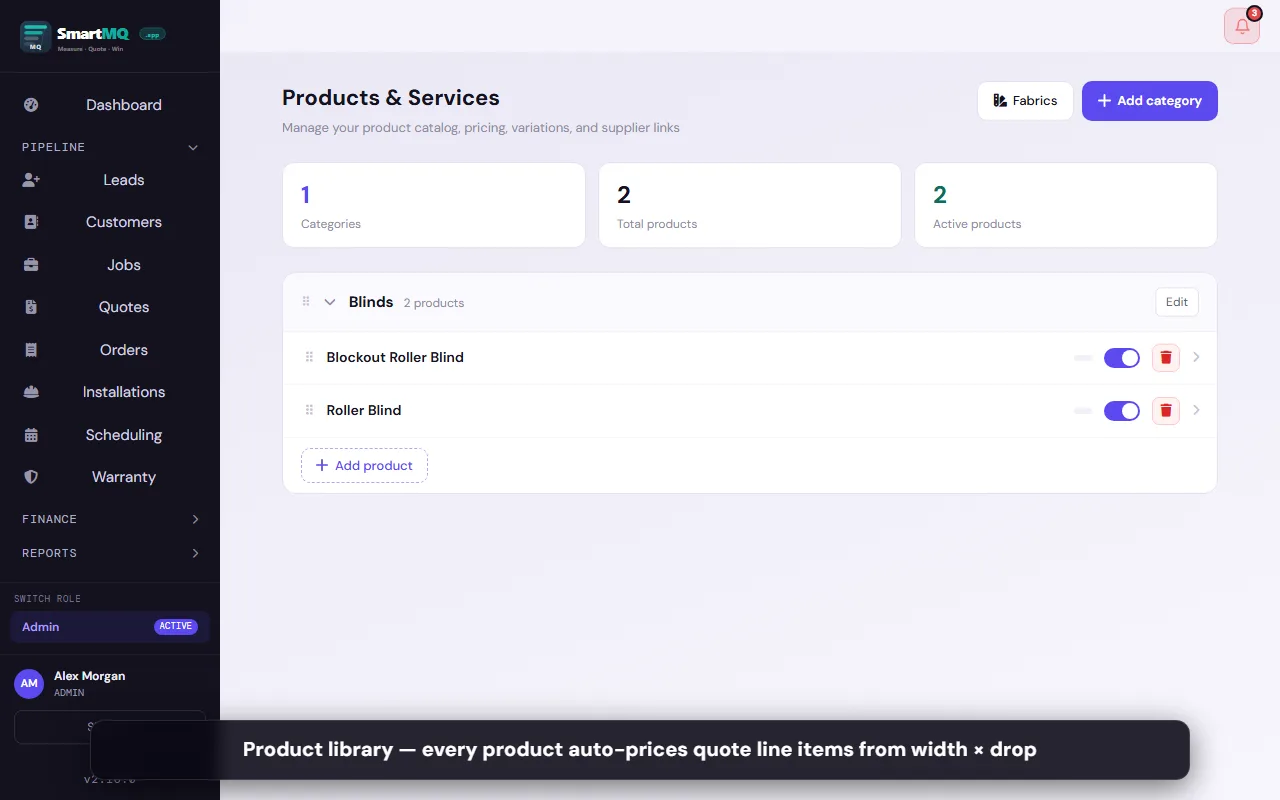
Maintain your full range of products, fabrics, and options with pricing. Prices auto-populate on quotes.
Set separate supply-only vs supply-and-install pricing per product.
Set up one or more acknowledgement forms per product type. Clients sign on-screen when accepting a quote — you and the client both keep a copy of the signed PDF.
Order & Install Workflow
Convert approved quotes to supplier orders with one click. Track manufacturing progress, delivery, and installation scheduling without a single spreadsheet.
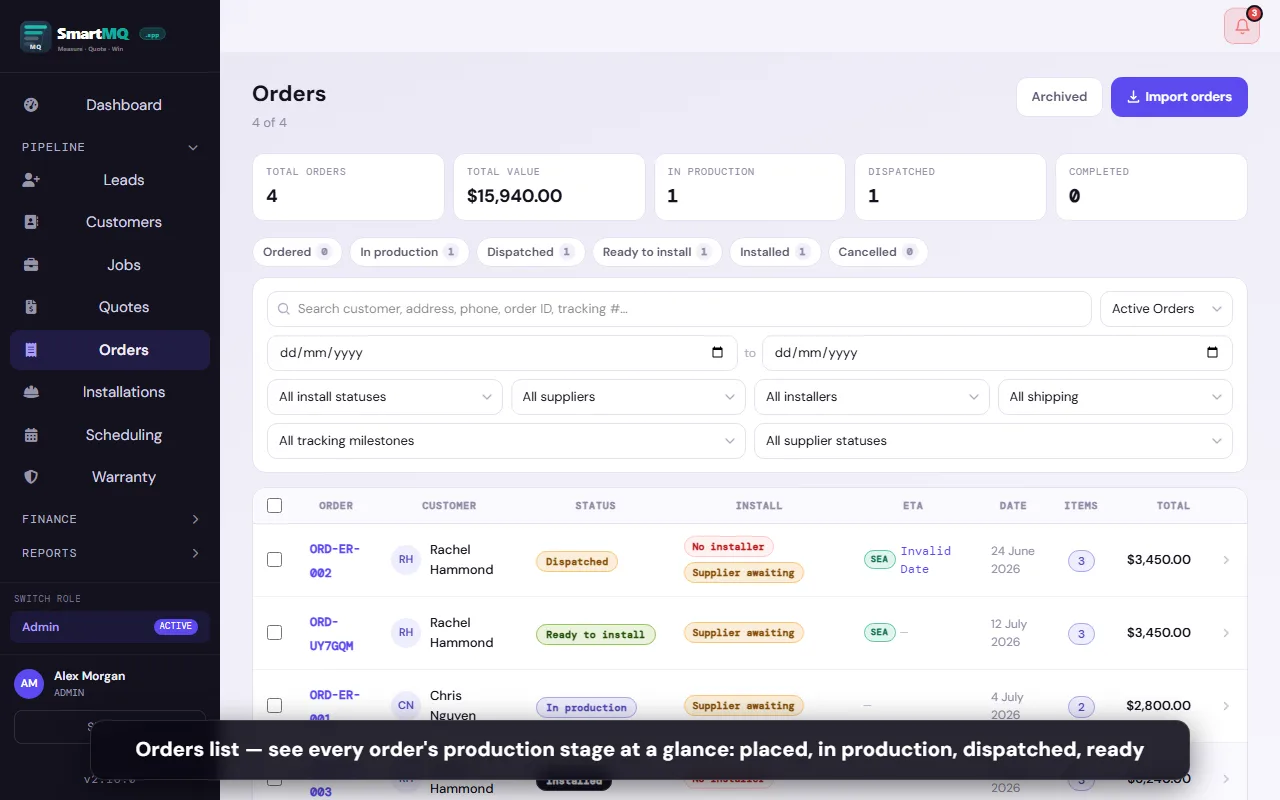
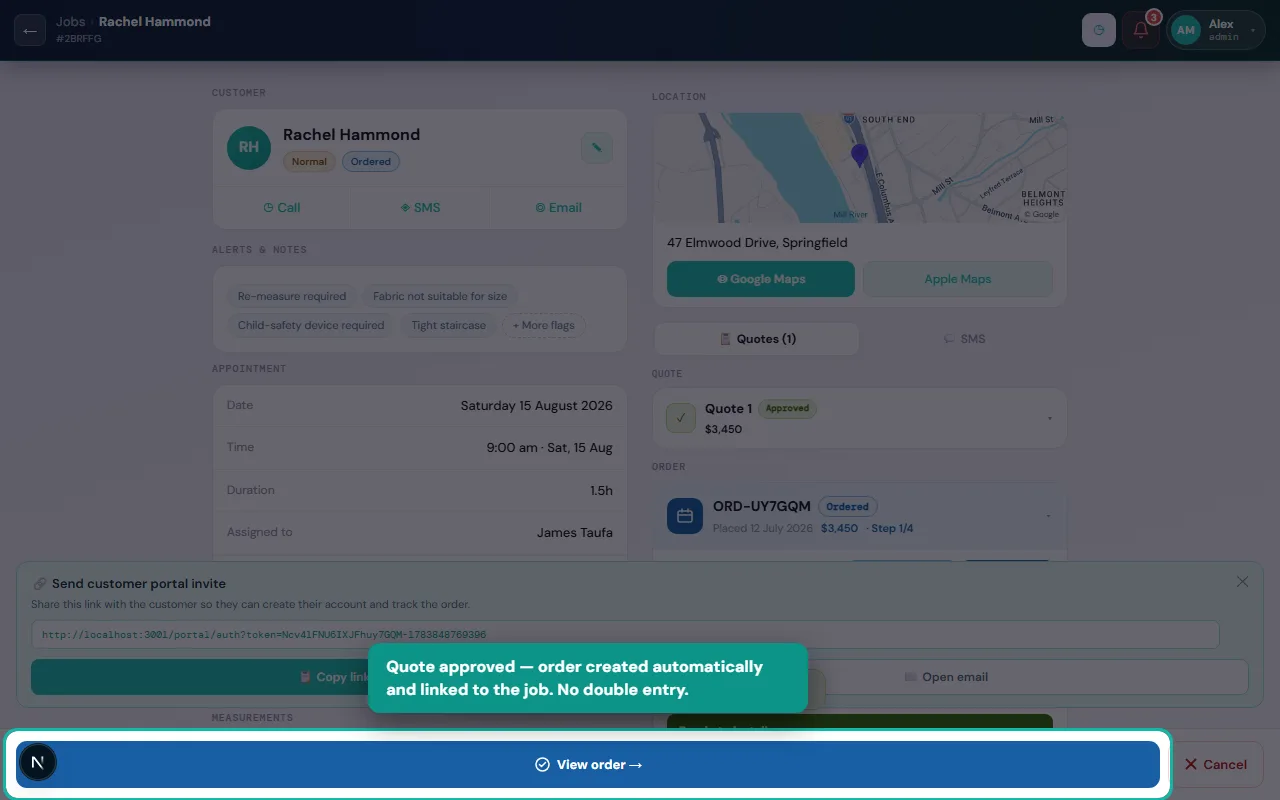
Convert an approved quote to a supplier order in one tap. All product specs carry over.
Split a single job across multiple suppliers — each gets their own order and tracking.
Generate a final tax invoice at job completion. Send by email or share a link.
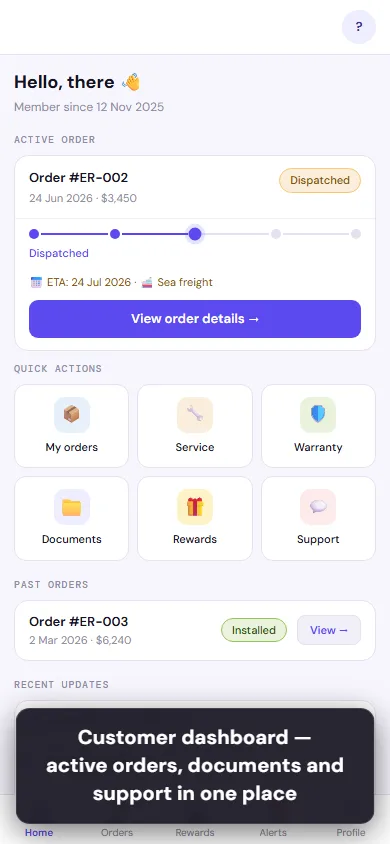
Customer Portal
A branded self-service portal your customers log into to track orders, view and approve quotes, download invoices, submit warranty claims, and refer friends.
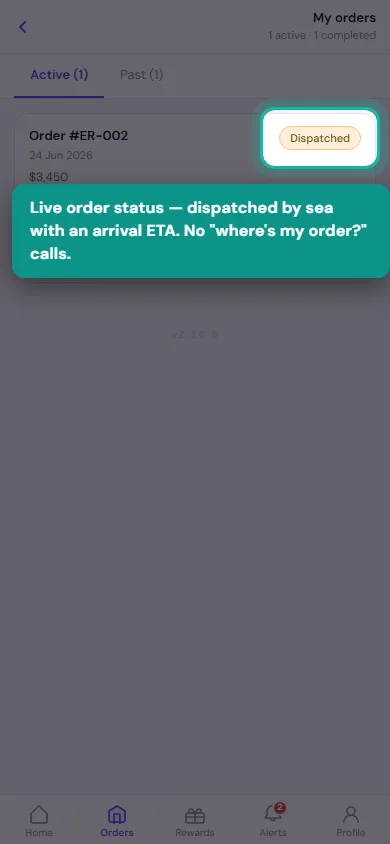
Customers follow their order from production to dispatch to install — without calling you.
Team & Branch Management
Multi-role, multi-branch support built in from day one. Sales reps, installers, and admins each see what they need — nothing more, nothing less.
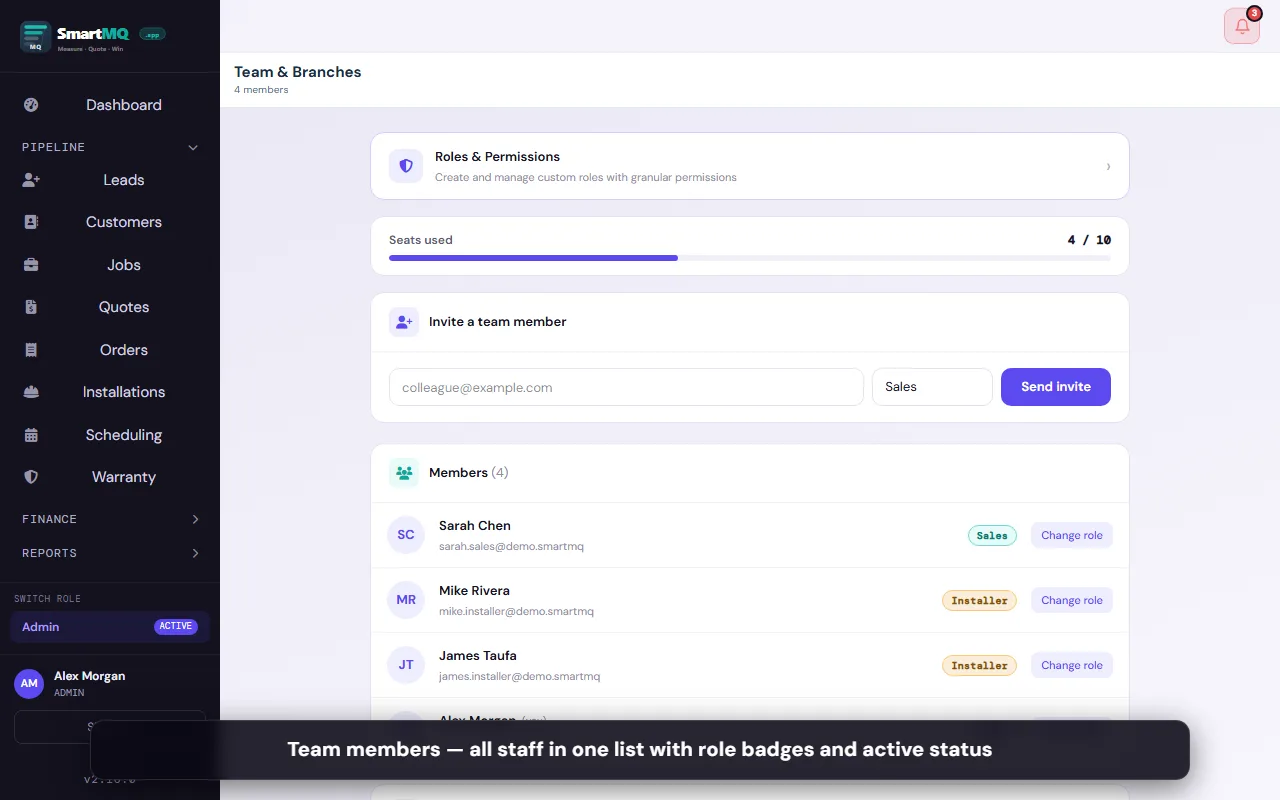
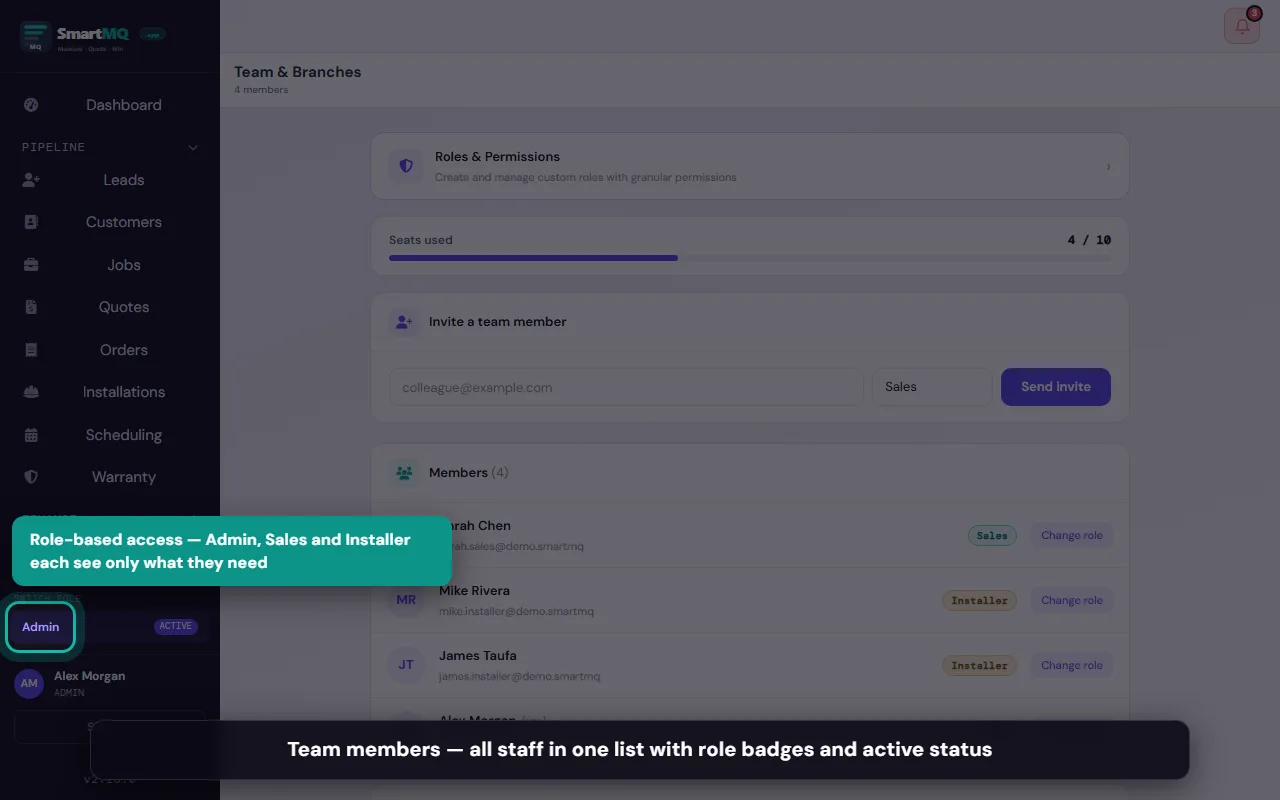
Admin, Sales, and Installer roles with separate views and permissions.
Run multiple locations from one account — each branch sees only its own jobs.
Analytics & Reporting
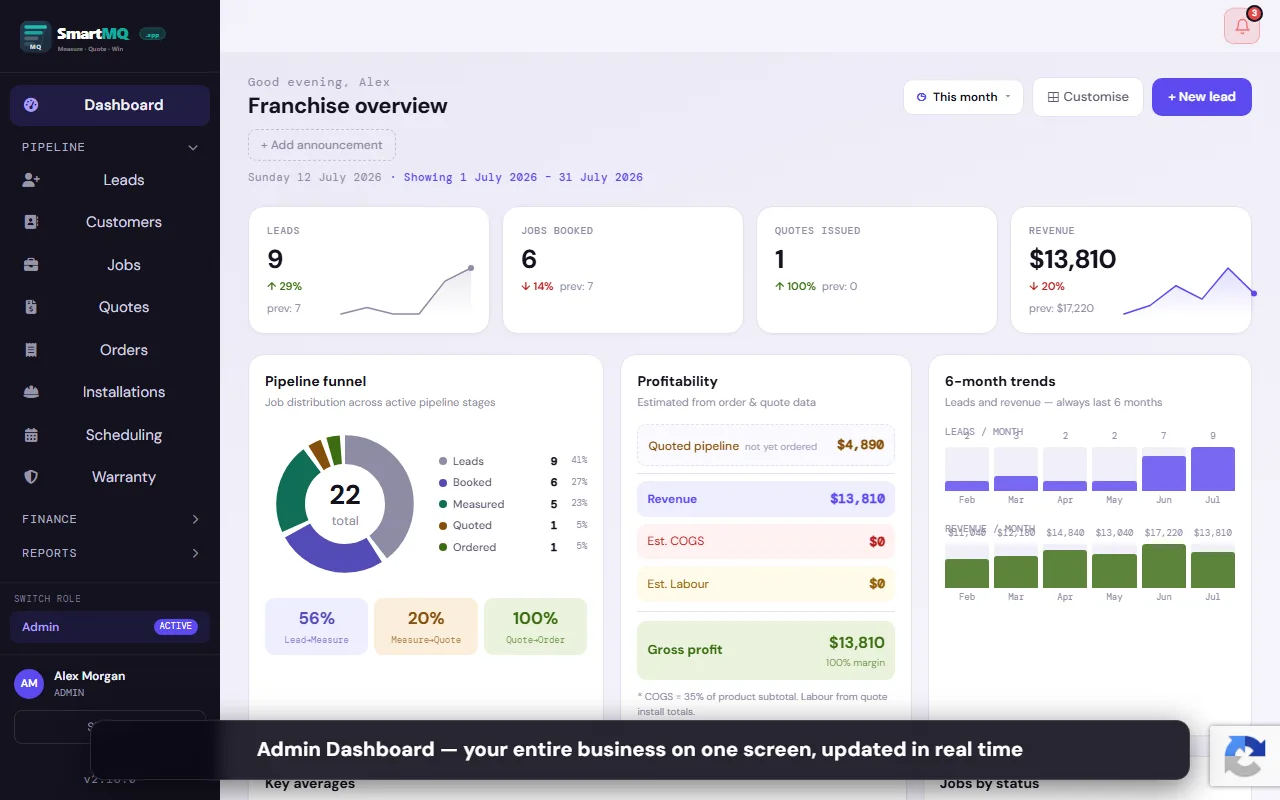
Revenue, job counts, conversion rates, and pipeline value — surfaced automatically from your live data.
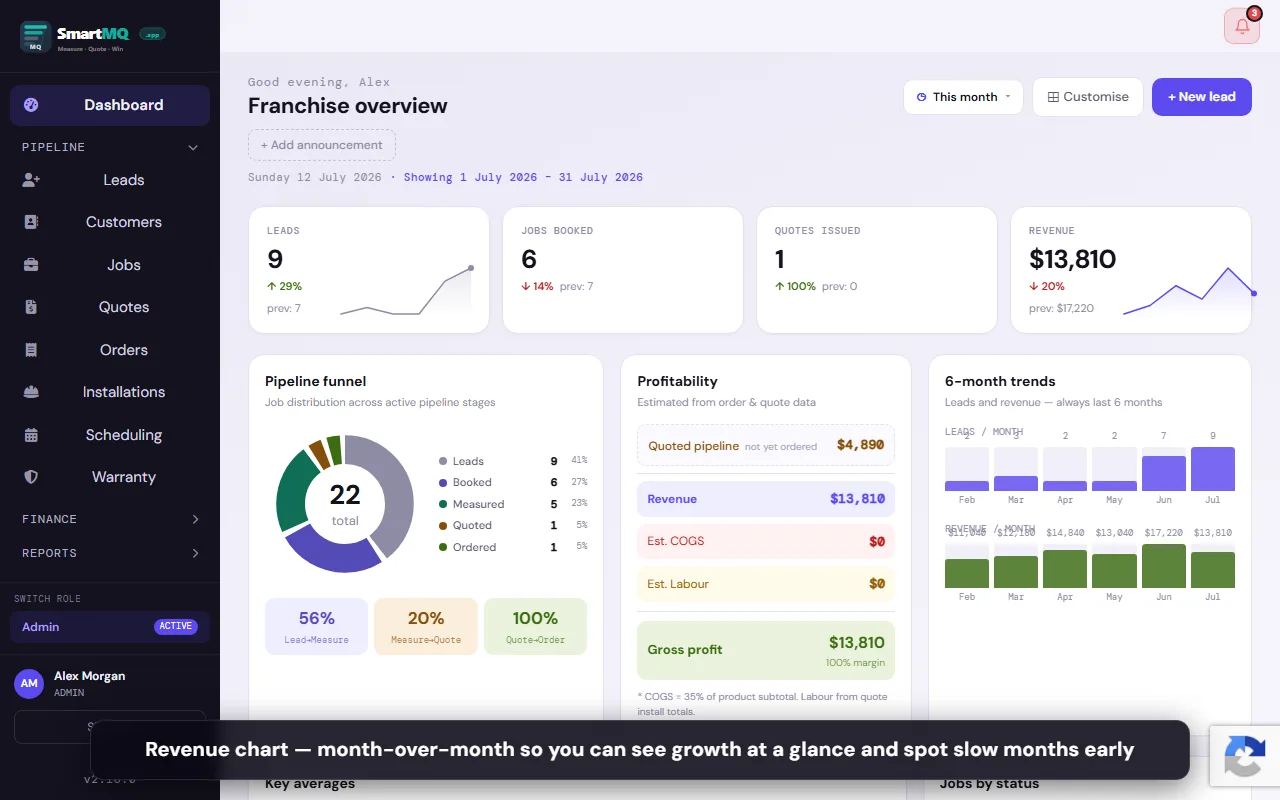
Monthly revenue trend, confirmed deal count, and average deal size. Updated in real time.
Drag-and-drop KPI widgets on the admin home screen — show only what matters to you.
Match supplier bills against orders, track factory totals, and close off each period.
Marketing Automation
Automated messages, social posting, and lead capture — running in the background while you focus on the work.
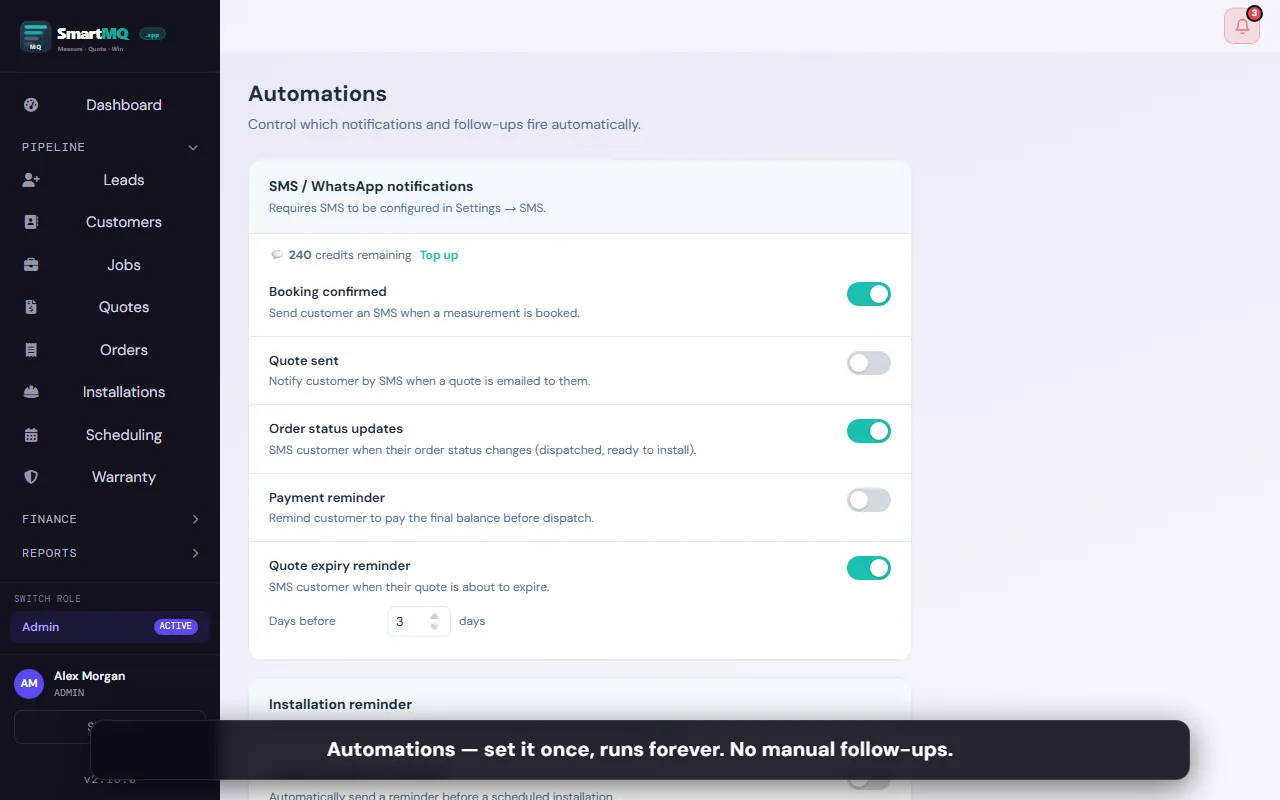
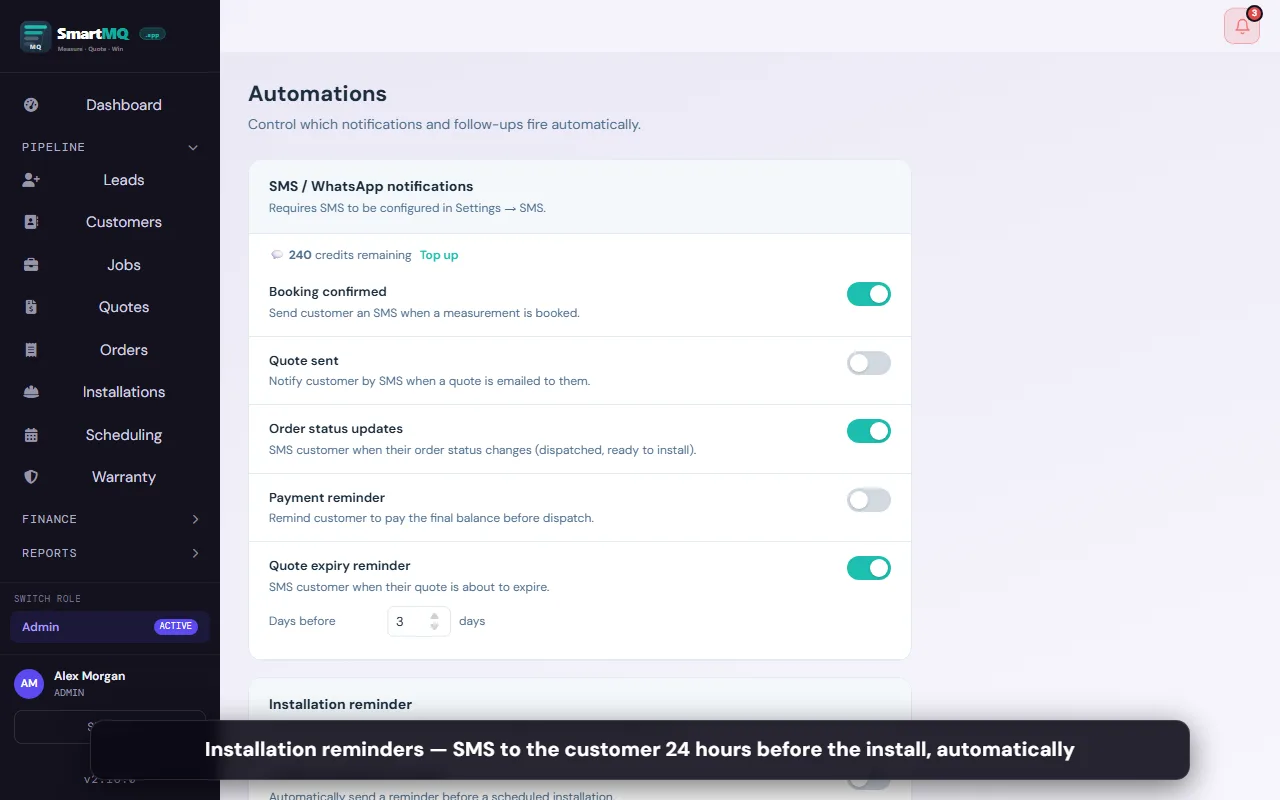
Automated booking confirmation and install reminder messages sent to customers.
Two-way WhatsApp with your own dedicated number — customers can reply.
6-step qualifying conversation that captures lead details and creates a SmartMQ job.
Facebook Lead Ad submissions create SmartMQ jobs automatically — zero manual entry.
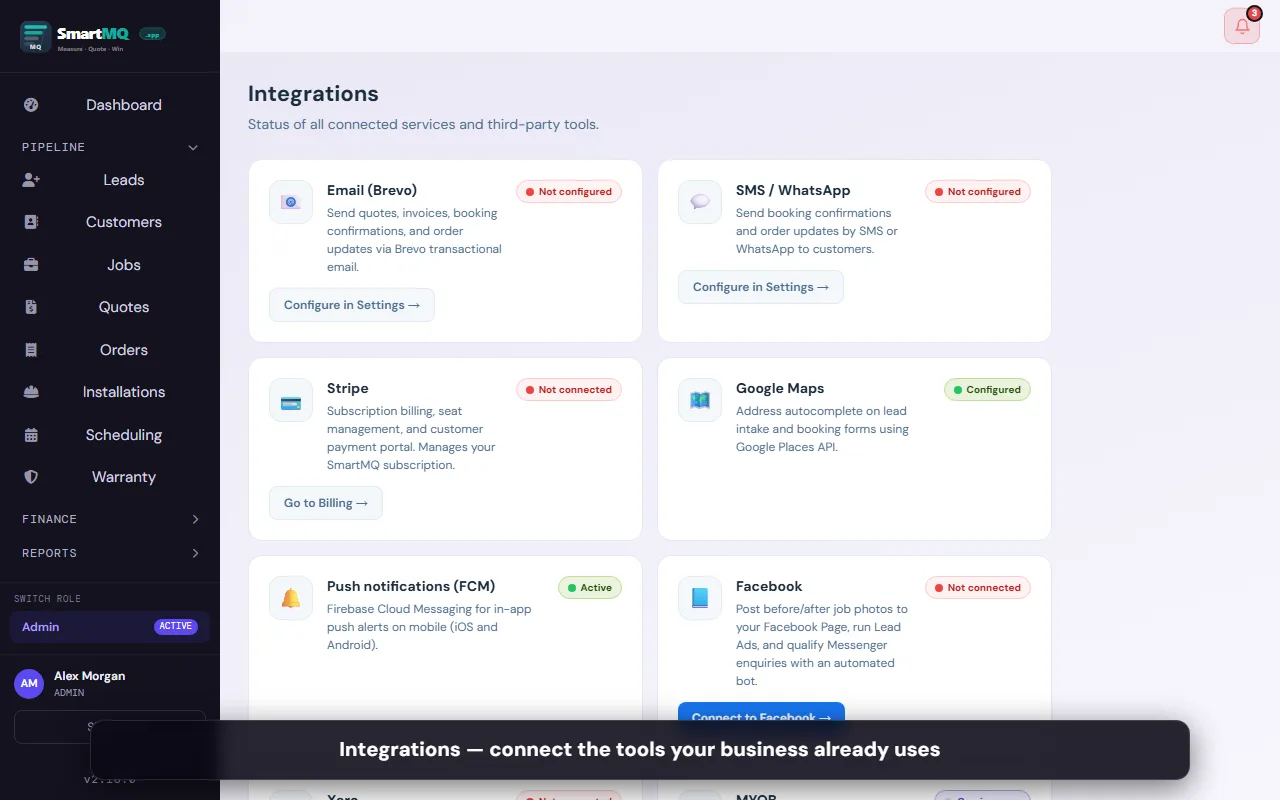
Integrations
Native integrations with the accounting, communication, and productivity tools that blinds businesses rely on.
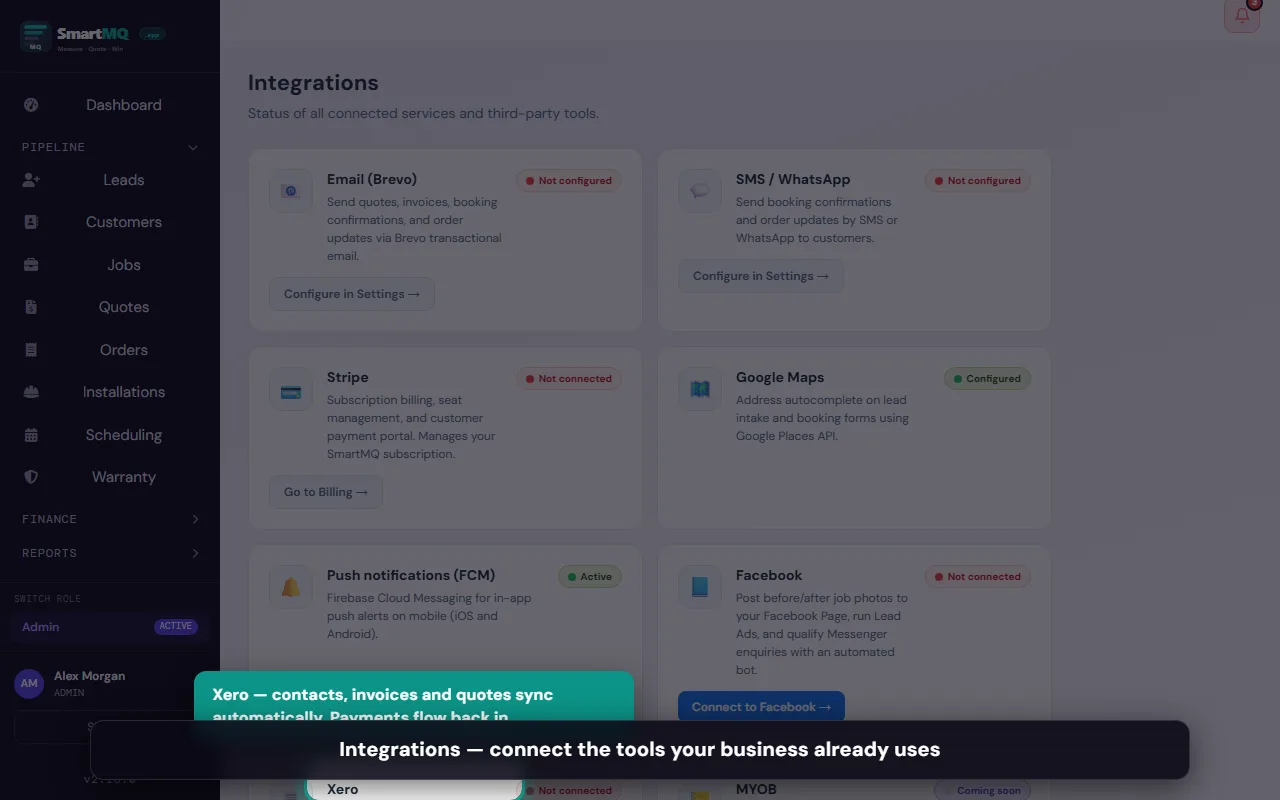
Sync contacts, invoices, and quotes to Xero. Payment status updates automatically.
Send automated messages via WhatsApp Business API.
Export invoices and customer records to MYOB AccountRight.
Build your own integrations using the SmartMQ REST API.
Features marked Pro+ require a Pro or Enterprise plan. Features marked Enterprise require an Enterprise plan. Features marked All plans* require the SMS/WhatsApp activation add-on on Starter. All other features are included on every plan including Starter.
Ready to run your business smarter?
Start your free 30-day trial today. No credit card, no contract — just a cleaner workflow from day one.
Start Free Trial →NZ-built · smartmq.app · Cancel anytime